
Delete your TONA account
This page is for account deletion requests for TONA, published on Google Play by Computer go beep AB. The Android package name is com.gbroman.easyloss.
Delete Instructions
In the app profile screen, tap Delete Account to delete your account.
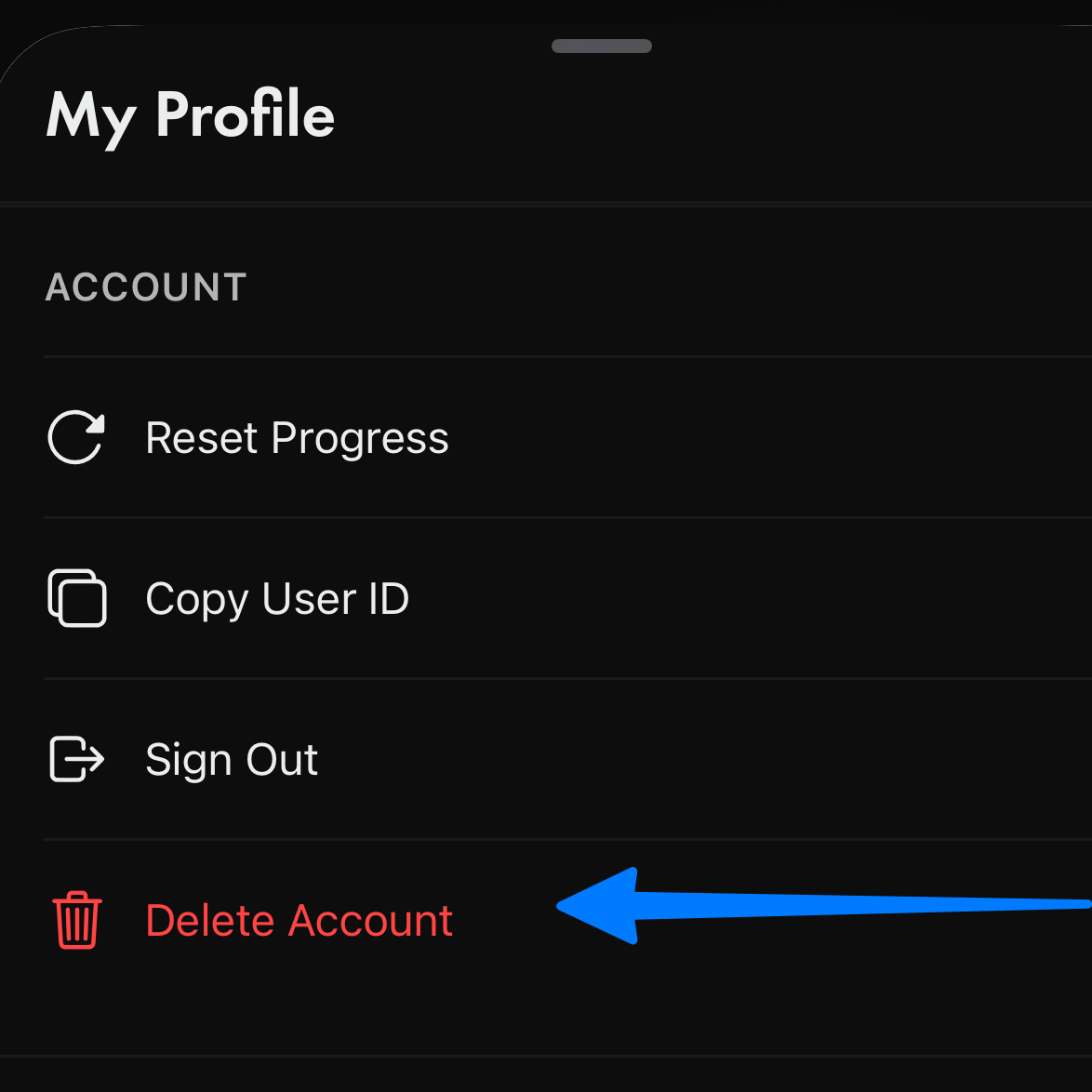
If the delete account button does not work, tap Copy User ID and include that account ID in your support email.
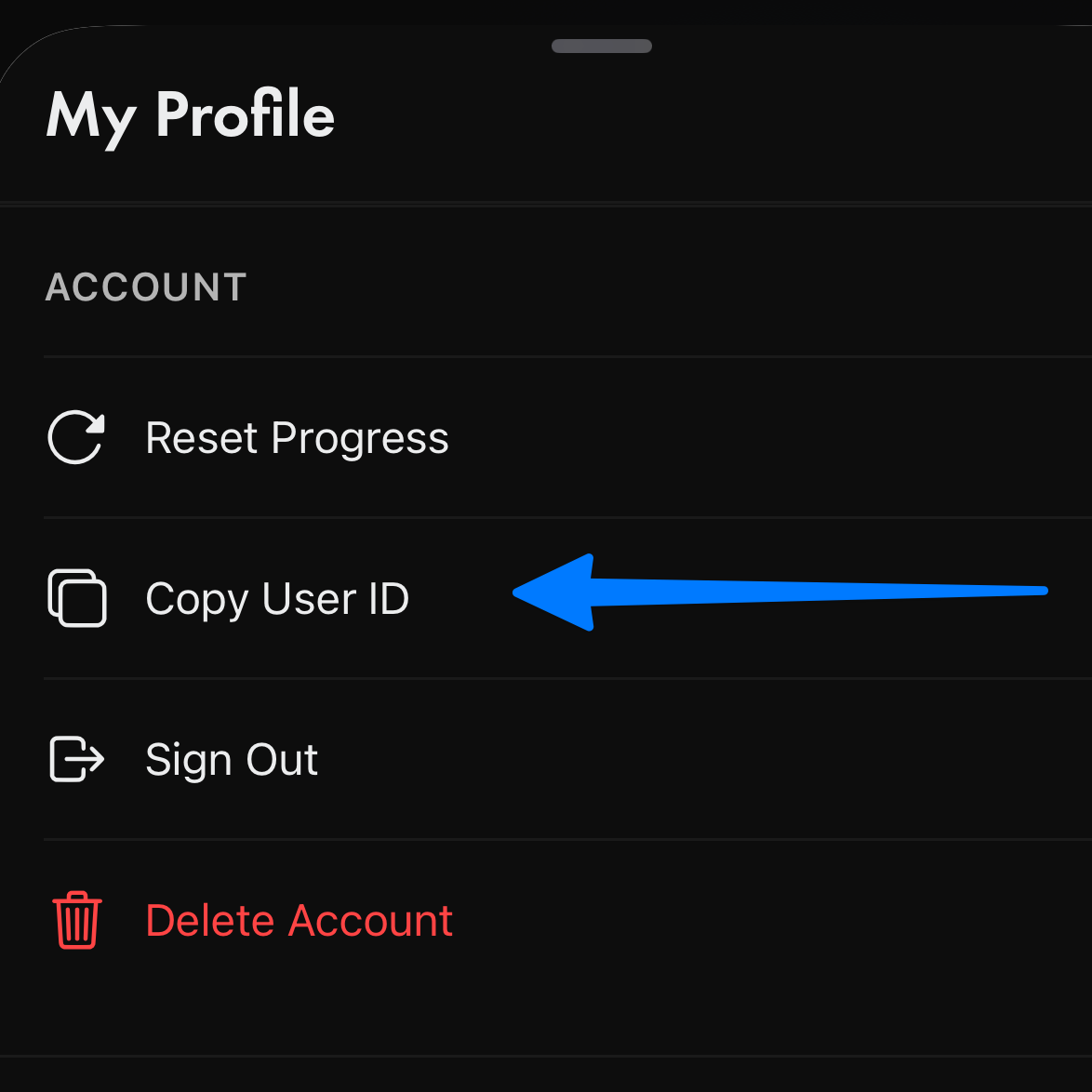
If you cannot delete your account, copy your user ID, or access the TONA app, please email us at easylosshypno@gmail.com with your name to request deletion of your TONA account and associated data.
We will get back to you and confirm your data has been deleted within 2-3 business days.